
What is AnyFileKit Picture Translator?
Core Features
- In-Place Translation Rendering
- Fast On-Device Mode
- Original Size PNG Output
Pricing Details
Ideal For
Use AnyFileKit Picture Translator as an Alternative to
Detailed Description
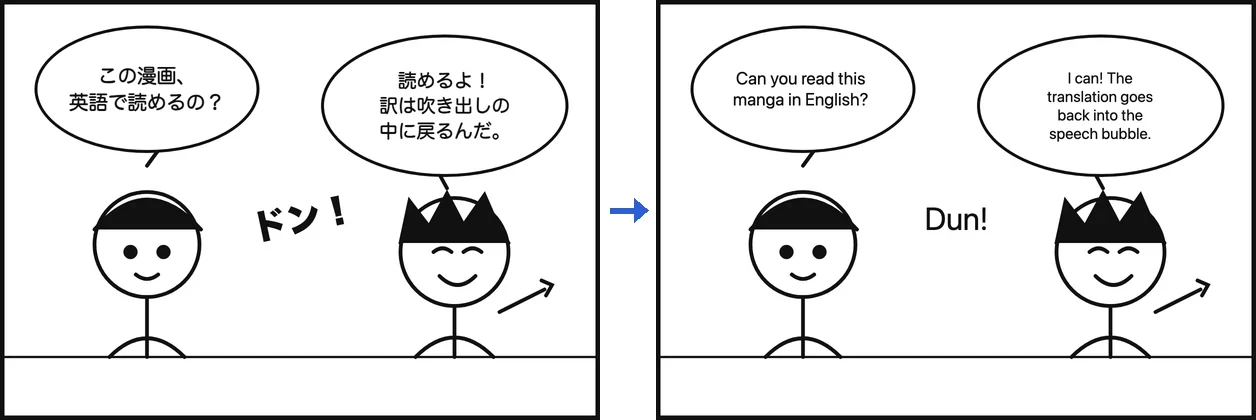
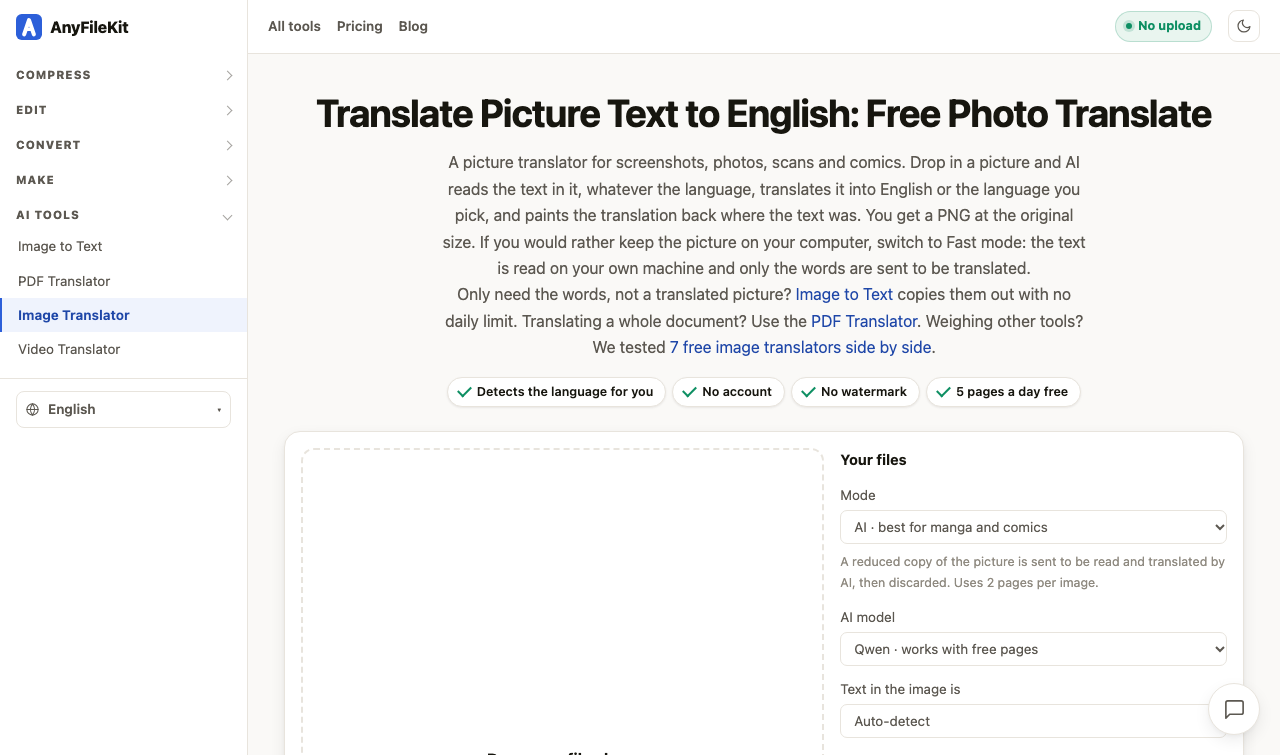
AnyFileKit Picture Translator is a dedicated picture translator built for screenshots, photos, scans, and comics. Drop in a picture and AI reads the text inside it, whatever the language, translates it into English or the language you pick, and paints the translation back where the text originally was. The result is a PNG at the original size, so the layout and look of the image stay intact. For manga and comics, AI mode is the recommended choice. If you would rather keep the picture on your computer, switch to Fast mode: the text is read on your own machine and the words are sent to be translated. In AI mode, which is the default, a reduced copy of the picture is sent so AI can read and translate it, and it is not stored. In Fast mode, the text leaves your computer — the picture is read on your own machine and stays on your disk, and the words found in it go to the translation model. Uses 2 pages per image in AI mode.
✨ Handles Japanese, Korean, Chinese, Arabic, Thai, Hindi, European languages and many more, including pictures that mix two of them
✨ AI mode works out the language by itself; in Fast mode, Auto-detect picks it for you, or you can choose it manually
✨ Choose your translation target from a long list, including English, 简体中文, 繁體中文, 日本語, 한국어, Español, Português, Français, Deutsch, Italiano, Русский and more
✨ Pick from AI models such as Qwen, which works with free pages, or Kimi K2.6 on paid plans
✨ Supports PNG, JPG or WebP, at a time
Only need the words, not a translated picture? Image to Text copies them out with no daily limit. Translating a whole document? Use the PDF Translator instead.
Translate a picture or photo to English with AnyFileKit Picture Translator.

AMA with Maker (0)