
What is ChatFlowchart?
Core Features
- Plain Text Conversion
- Multiple Diagram Types
- Export & Share
Pricing Details
Ideal For
Use ChatFlowchart as an Alternative to
Detailed Description
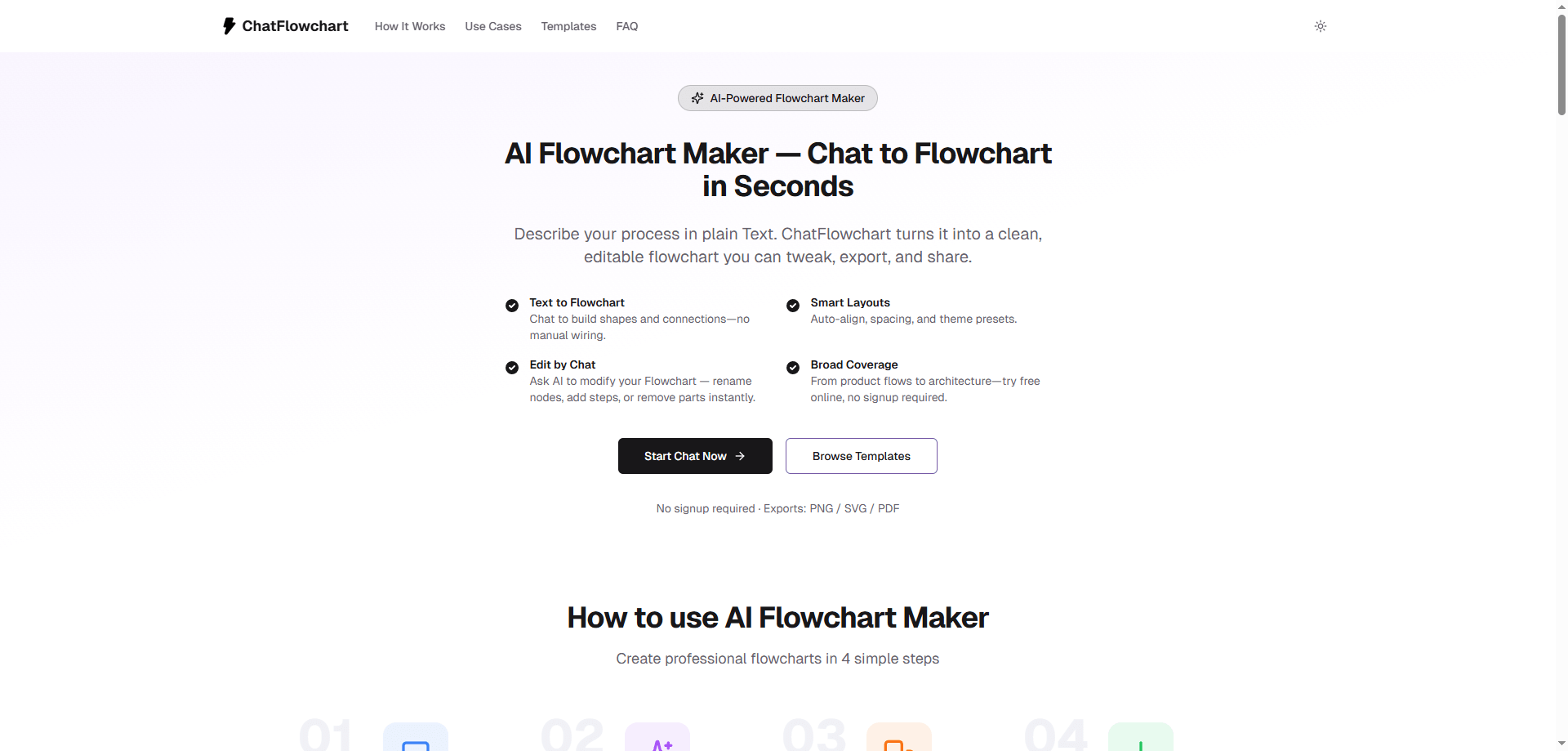
ChatFlowchart is a revolutionary AI-powered tool that transforms plain English descriptions into professional diagrams in seconds. It eliminates the tedious drag-and-drop process of traditional flowchart software. Simply describe your process, system architecture, organizational tree, or database relationships in a chat interface, and Diagram AI intelligently interprets your text to generate clean, editable visualizations. It's designed for anyone who needs to communicate complex information clearly, from project managers and software developers to educators and students.
How It Works
The core of ChatFlowchart is its intuitive "Chat to Flowcharts" engine. You describe what you need in natural language, such as "a flowchart for our customer onboarding process starting with sign-up, then email verification, a tutorial, and finally the main dashboard." The AI parses this input, identifies the components, sequences, and relationships, and instantly renders a structured diagram. You can then refine the output directly within the chat by asking for adjustments, like "make the decision diamond more prominent" or "add a step for payment processing."
Why Choose ChatFlowchart
✨ **Speed and Simplicity:** Go from idea to visual in moments, bypassing hours of manual formatting and alignment.
🎯 **Versatile Output:** Generate not just basic flowcharts, but also detailed tree diagrams, probability trees for decision analysis, Entity Relationship Diagrams (ERDs) for database design, and more.
🚀 **Intelligent Editing:** The diagram remains fully editable. Tweak shapes, connections, and styles directly, or use follow-up chat commands to modify the AI-generated structure.
📤 **Seamless Sharing:** Export your diagrams in standard formats to embed in documents, presentations, or share with your team for collaboration.
Use Cases & Templates
ChatFlowchart accelerates work across numerous scenarios. Use it to map out software user journeys, document standard operating procedures, plan project timelines, visualize family trees, or design database schemas. Jumpstart your creativity with pre-built templates for common processes, allowing you to customize rather than create from scratch every time.
Stop wrestling with complex drawing tools and let your words do the work. Visit ChatFlowchart today and experience the future of diagram creation.

AMA with Maker (0)