
What is CutMP3?
Core Features
- Audio Ringtone Creation
- Batch File Processing
- Silence Removal Tool
Pricing Details
Ideal For
Use CutMP3 as an Alternative to
Detailed Description
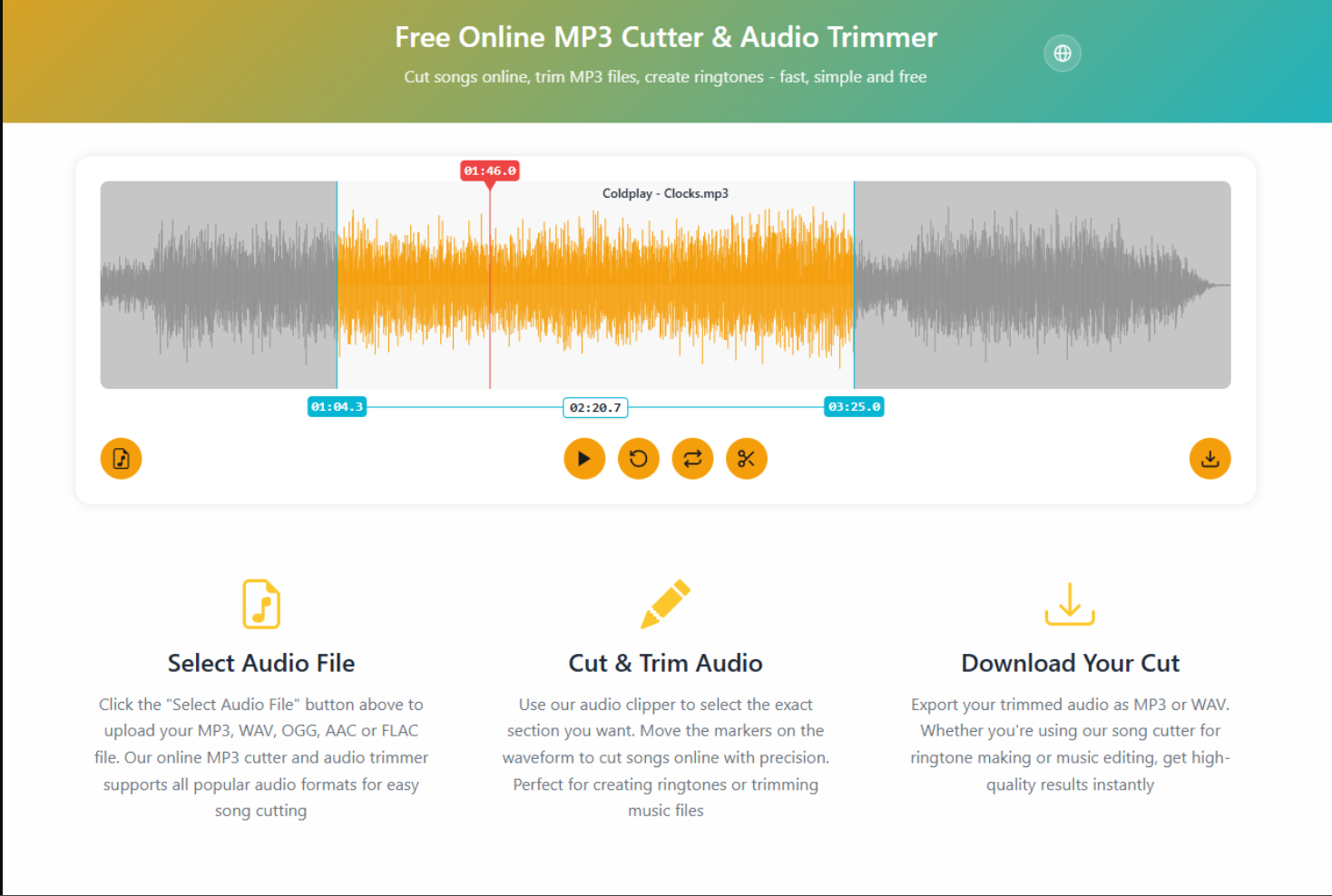
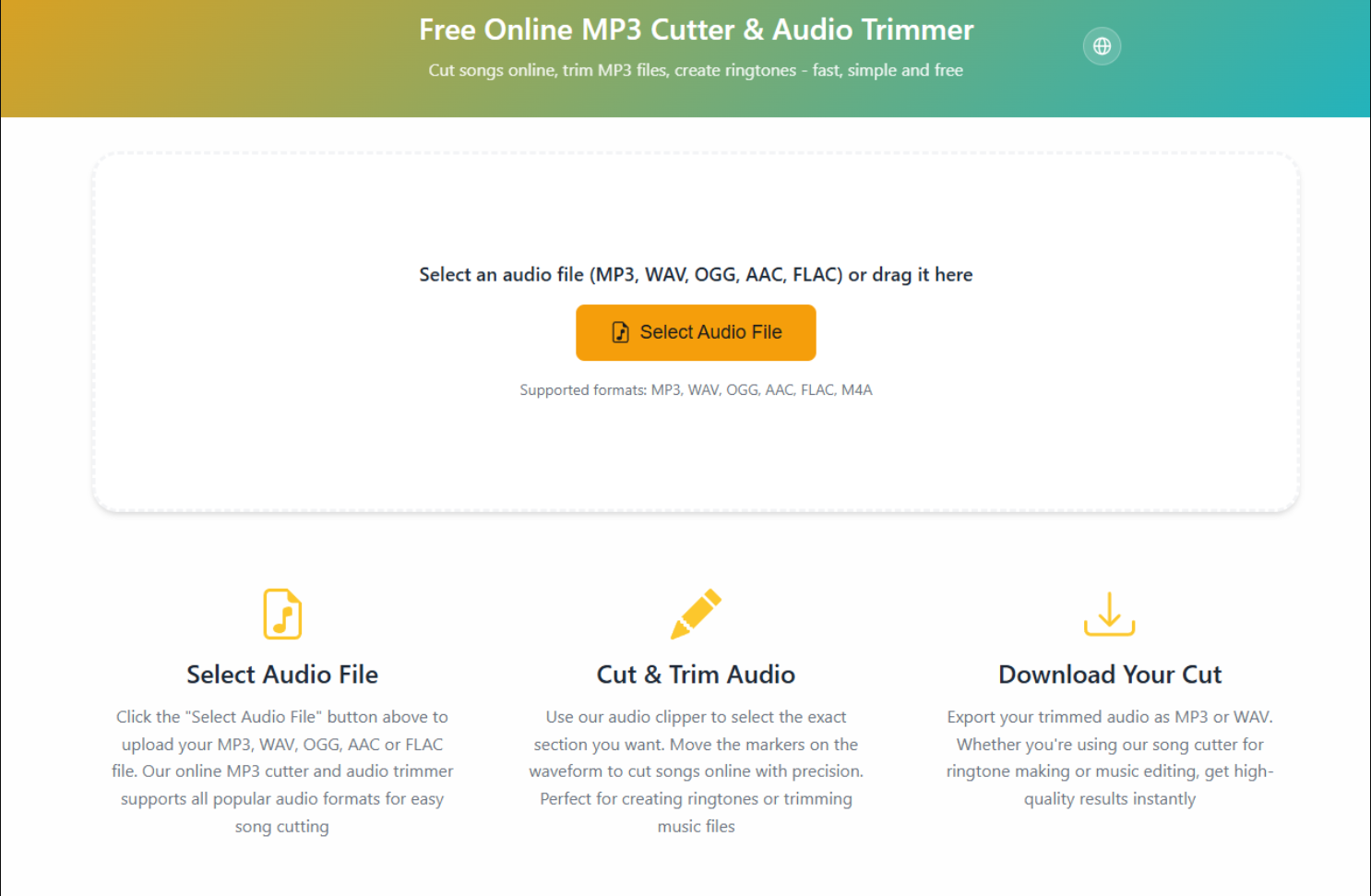
CutMP3 is your essential, browser-based toolkit for precise audio editing. Designed for simplicity and speed, it allows you to trim, cut, and extract segments from your MP3 files directly within your web browser—no software installation or technical expertise required. Whether you're crafting the perfect ringtone, isolating a sample for a project, or simply removing unwanted silence from a recording, CutMP3 provides a streamlined and intuitive solution that puts you in complete control of your audio.
Why Choose CutMP3?
CutMP3 stands out by focusing on core functionality with a clean, user-friendly interface. It eliminates the complexity often associated with audio software, making professional-grade editing accessible to everyone. The tool processes your files locally on your device for enhanced privacy and speed, delivering instant results without lengthy uploads to external servers. Its universal compatibility ensures it works seamlessly across all modern devices and operating systems, from Windows and macOS to Chromebooks and tablets.
Core Features at a Glance
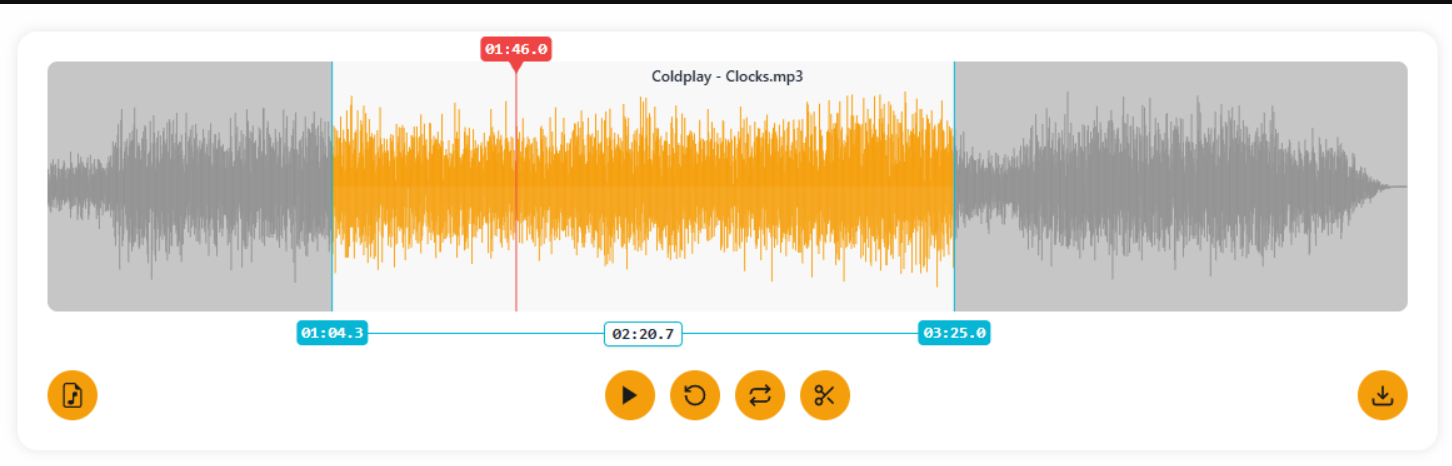
✨ Precise Cutting: Define exact start and end points with a visual waveform or by entering timestamps for sample-accurate edits.
✨ Lossless Trimming: Maintain the original high quality of your MP3 file after editing, with no compression or quality degradation.
✨ Instant Processing: Experience rapid editing with real-time previews; your trimmed file is ready for download in seconds.
✨ Universal Compatibility: Works with any standard MP3 file and runs in any modern web browser like Chrome, Firefox, or Edge.
✨ No Strings Attached: A completely free tool with no watermarks, usage limits, or mandatory registrations to hinder your creativity.
Ideal for a wide range of users, CutMP3 empowers podcasters to clean up episodes, musicians to create demos, students to edit lecture recordings, and content creators to produce crisp audio clips for social media. Its straightforward approach transforms a typically technical task into a quick and effortless process.
Start shaping your sound today with the straightforward power of CutMP3.

AMA with Maker (0)