What is Dropclips.io?
Core Features
- Saved Batch Pipelines
- Multi-Format Clip Versions
- Logo Across Every Clip
Pricing Details
Ideal For
Detailed Description
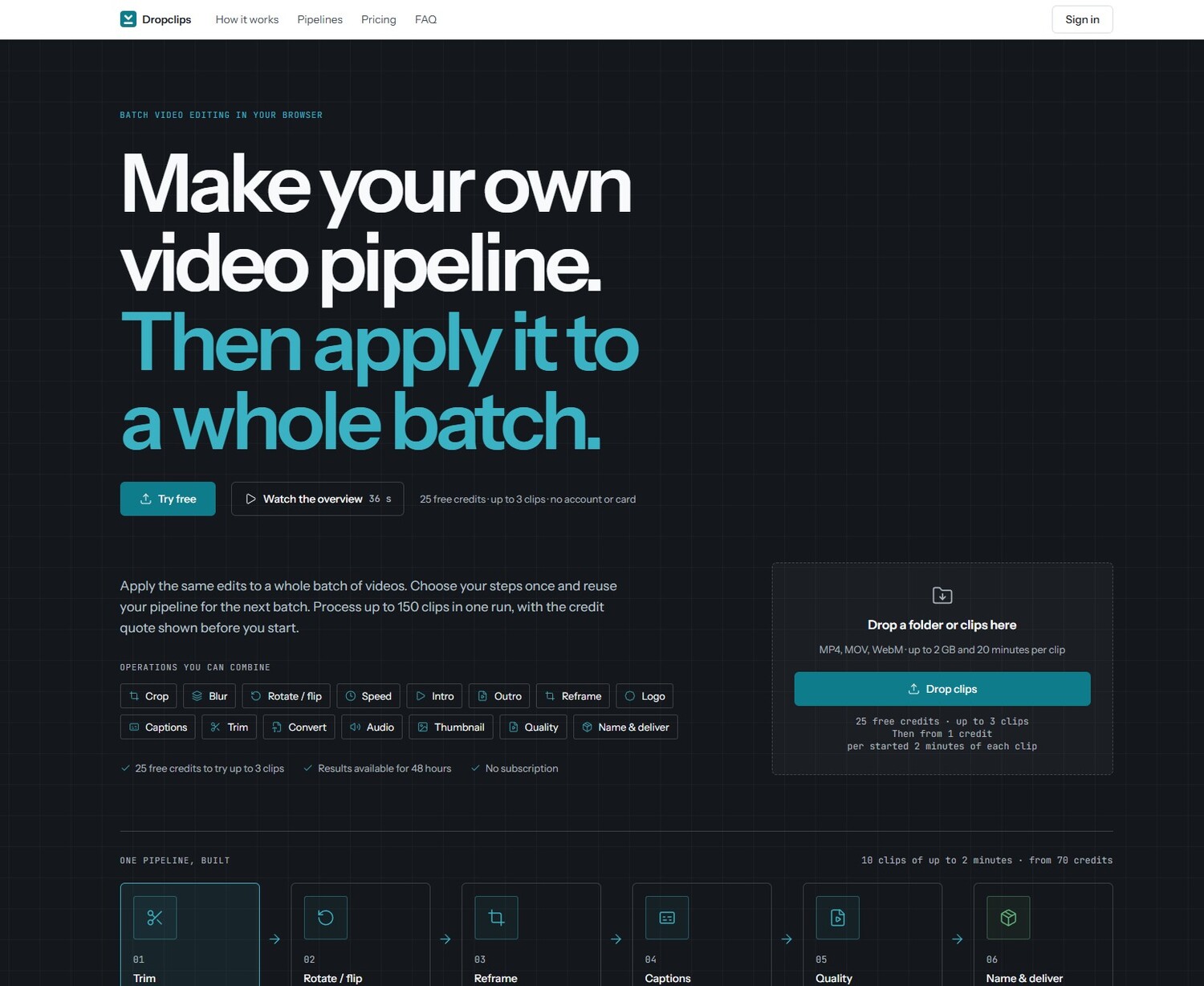
Dropclips.io is a browser-based batch video editing platform built to automate the boring video work. Rather than editing clip at a time, you set up a pipeline and let Dropclips.io handle the entire batch. Need your logo on 100 videos? Vertical, square and landscape versions of every clip? A whole folder converted to MP4? Dropclips.io takes care of it all in run.
With Dropclips.io, you can combine operations into a saved pipeline that runs on every clip you upload. Drop a folder or individual clips straight into the browser — MP4, MOV and WebM files are supported, up to 2 GB and 20 minutes per clip. From there, pick or create your pipeline, choosing steps like reframing to vertical 9:16, square 1:1 or portrait 4:5, adding captions, trimming, and more. Ten clips can become 30 captioned videos, with vertical, square and portrait version of each clip, all delivered in a single download.
How it works with Dropclips.io is simple: upload your videos, pick or create your pipeline, then download your finished clips. Results are available for 48 hours, and downloads arrive as named files in organized folders, with thumbnails included, all in ZIP. The platform shows the difference clearly — video in, everything ready to deliver out, including separate 9:16, 1:1 and 4:5 versions and thumbnails every 5 seconds.
Dropclips.io runs on credits bought that never expire. Pricing is per started 2 minutes of the clip's full length, even when trimmed, with the same rates in every pack. A plain pass costs 1 credit; visual processing costs 2 credits; each extra aspect ratio beyond the first adds 1 credit; and captions add 3 credits to the visual-processing rate. For example, a clip in 9:16, 1:1 and 4:5 with captions is 2 + 1 + 1 + 3 = 7 credits. You never pay more than the quote, and you can see the quote before you run. There is no subscription, and you can start with 25 free credits to try up to 3 clips — no account or card needed.
Build. Run on every clip.

AMA with Maker (0)