
What is Find My Vocal Range?
Core Features
- Private Vocal Range Test
- Six Classical Voice Types
- Browser Audio Privacy
Pricing Details
Ideal For
Detailed Description
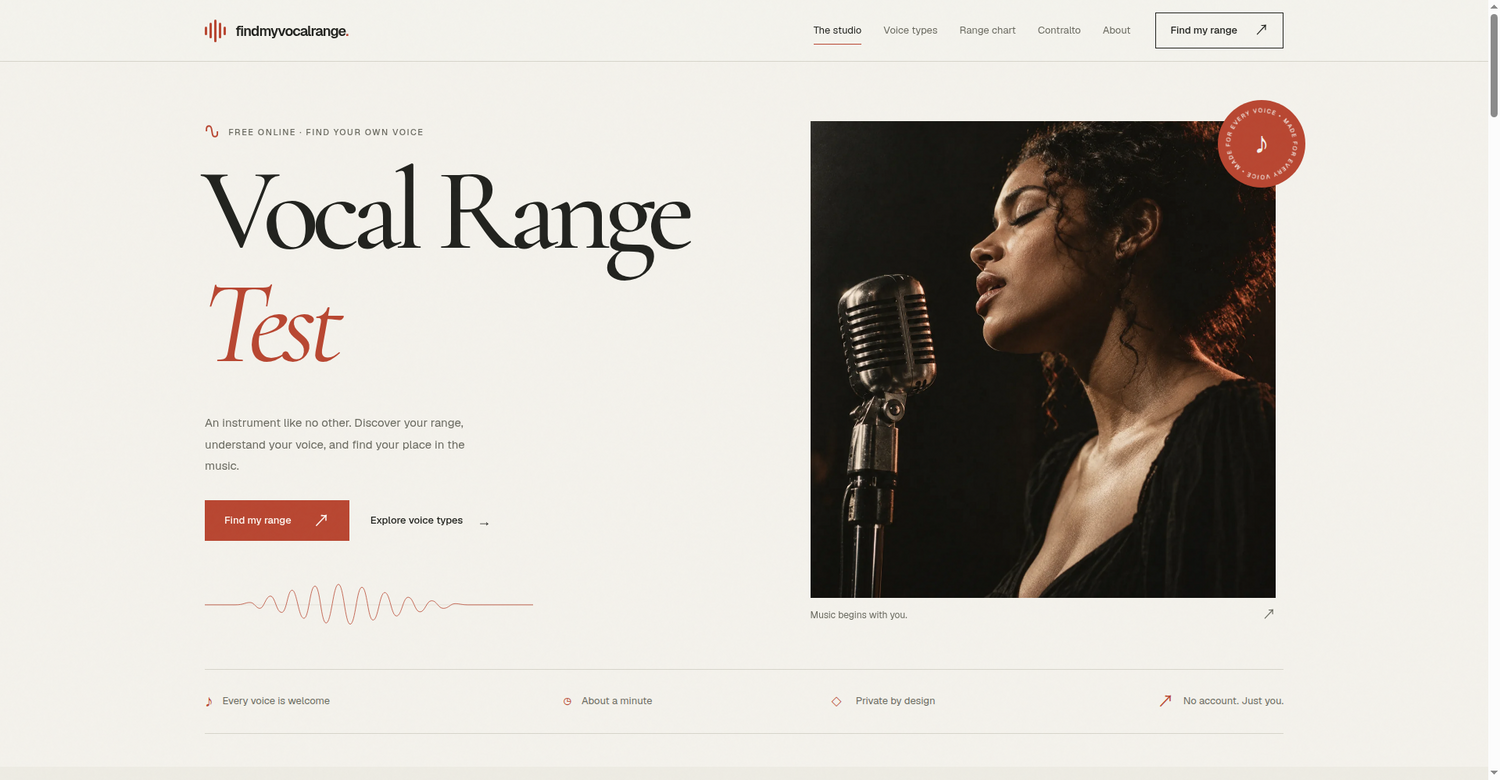
Find My Vocal Range is a free tool designed to help you discover your own voice, understand its unique character, and find your place in the music. An instrument like no other, your voice deserves to be explored. With Find My Vocal Range, all you need is a microphone and a moment to yourself. The tool listens for the notes that feel like home, guiding you gently through a simple process that takes about a minute. Every voice is welcome, and the experience is private by design — no account, just you and your voice. Audio stays in your browser, always.
How It Works
✨ Warm up with a hum or a lip trill. Find a quiet room and a comfortable volume.
✨ Sing an open “ah” from low to high. Hold each note steadily for second.
✨ Discover your usable range and the voice types closest to your sound.
✨ Go gently. A comfortable note tells us more than a strained.
Your Voice, Visualized
Find My Vocal Range offers a note to begin with — tap the keys and find your pitch, from C2 to C6. The low notes, middle C, and the high notes are all mapped out. From the depth of a bass to the brightness of a soprano, you can explore the six classical voice types. The test counts notes you can hold steadily for a full second. A single squeak at the top or growl at the bottom is shown separately as a momentary peak and does not stretch your range — the notes you can actually sing with are what decide your voice type. Your voice type is chosen by comparing your held range with the six standard ranges and picking the closest overlap. You always get a closest type plus the two runners-up; if your range is under an octave, the result is marked as a rough guess.
A Range Is a Starting Point
Your voice type also depends on tone, comfort, and where your voice changes register. Every voice is different. To get the best results, warm up for a few minutes first — hum or do lip trills. A cold voice loses notes at both ends. Use a quiet room and turn off music and the TV, as background sound confuses pitch detection. Use your laptop or phone microphone, or a wired headset. Bluetooth headset microphones are low quality and can misread high notes. Stay about a forearm’s length from the microphone and sing at a steady, comfortable volume. Shouting or whispering both make the reading unstable. Turn off noise-cancelling software such as call-noise filters or “voice focus” modes — they are built for speech and can cut out sustained singing. Sing on an open “ah” and move note at a time.
Every voice has a world inside. Start the test and let Find My Vocal Range help you understand the ranges closest to your sound, with a vocal range chart available to read and explore.
Find my range ↗

AMA with Maker (0)