
What is Flux3AI?
Core Features
- Unified Prompt & Upload Workspace
- Pre-Generation Format Selection
- End-to-End Visual Direction Workflow
Pricing Details
Ideal For
Detailed Description
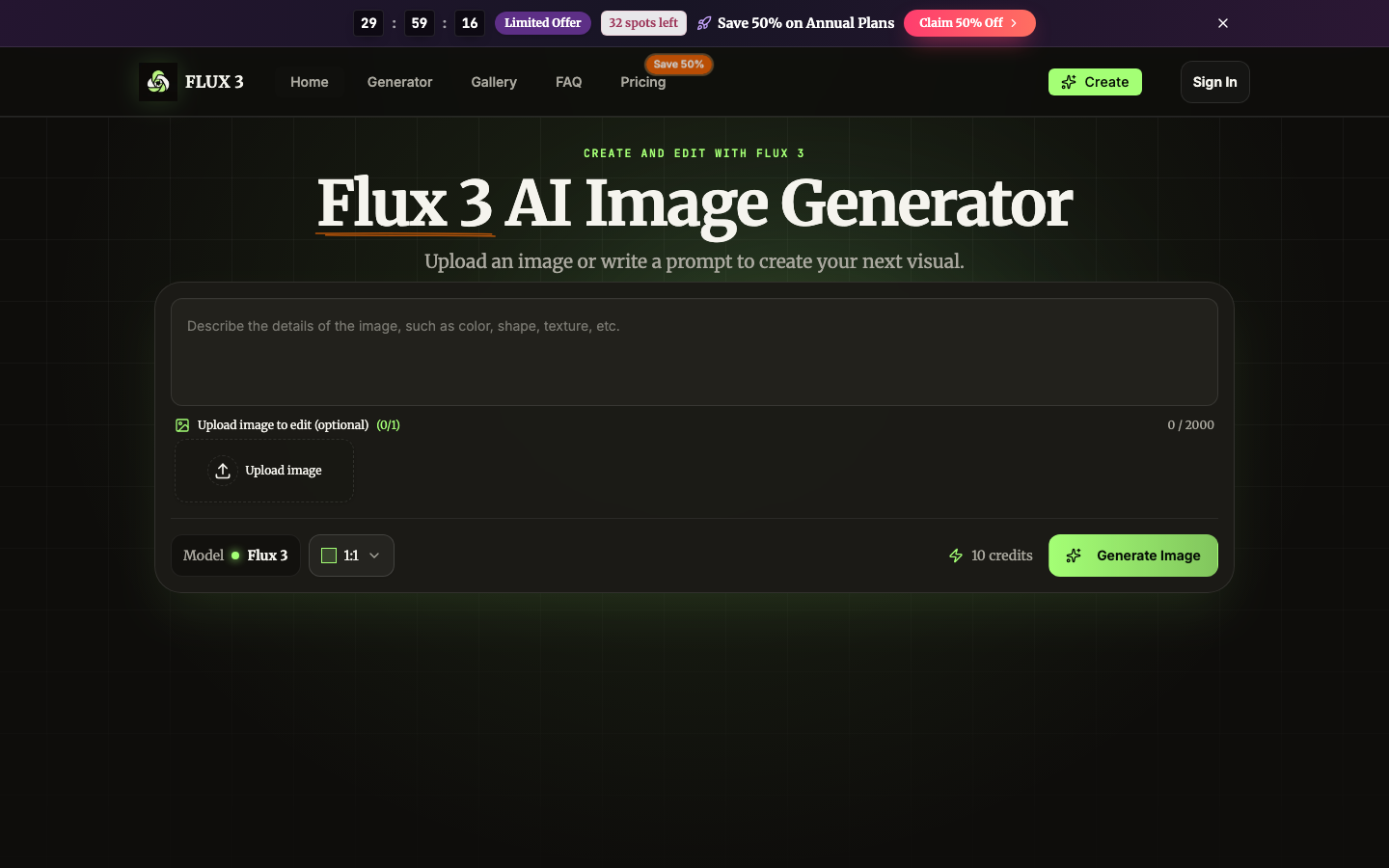
Flux3AI delivers a direct, focused workspace for turning a short idea into a polished image or transforming an uploaded photo with a clear instruction. You do not need a complicated editing timeline, a library of unrelated models, or a long setup process. Start with the result you want, choose a format, and keep the workflow concentrated from prompt to download. The entire path stays visible: prompt, optional upload, model, ratio, credit cost, and Generate Image. When the result is ready, download it or return to the prompt for another direction. Clear controls reduce hesitation and make it easier to compare ideas, test variations, and keep a visual project moving.
Describe a scene, product, character, composition, mood, camera angle, lighting, or color palette in everyday language. The Flux3AI workspace turns that direction into a complete visual while keeping the interface simple enough for a first project and flexible enough for repeated creative work. Add specific details when you want control, or begin with a compact prompt and refine the next version. Upload an image and explain the change you want. The workspace treats the photo and prompt as edit request, so replacing a background, changing a, adjusting a setting, or exploring a new visual direction happens in the same generator. There is no separate editor to learn and no need to recreate your starting image from scratch.
Select a square, portrait, or landscape ratio before generating. Flux3AI keeps the format decision close to the prompt so the composition starts with the destination in mind. That makes it easier to prepare social posts, product concepts, presentation graphics, campaign ideas, wallpapers, and editorial visuals without fighting a-size-fits-all canvas. Explore nine visual directions for product campaigns, portraits, illustrations, and creative concepts. Use the gallery as prompt inspiration, then bring your own subject,, composition, and format to the generator.
Flux3AI supports the visual jobs that appear every day in creative, marketing, product, and personal workflows. Use the same focused generator for a fast first concept or a more deliberate production brief. A useful prompt explains the subject, setting,, composition, and details that matter most, while an uploaded image gives the model a visual starting point. Build clean product concepts for listings, launches, pitch decks, and advertising tests. Describe the object, materials, backdrop, camera position, shadows, reflections, and brand mood. Flux3AI can use an existing packshot when you want the new result to preserve the product while exploring a different environment or presentation. Turn campaign directions into visual options before committing production resources.
Save 50% on Annual Plans

AMA with Maker (0)