
What is Oh So Video?
Core Features
- Browser-Native Video Processing
- Videos Never Leave Device
- No Watermark Exports
Pricing Details
Ideal For
Detailed Description
Oh So Video is a free, browser-based video toolkit built around idea: oh so simple video editing that never asks you to upload your files. Everything happens right on your own device, so your videos never leave it. Whether you need to compress, trim, convert, or caption, Oh So Video keeps the process quick, private, and free of watermarks.
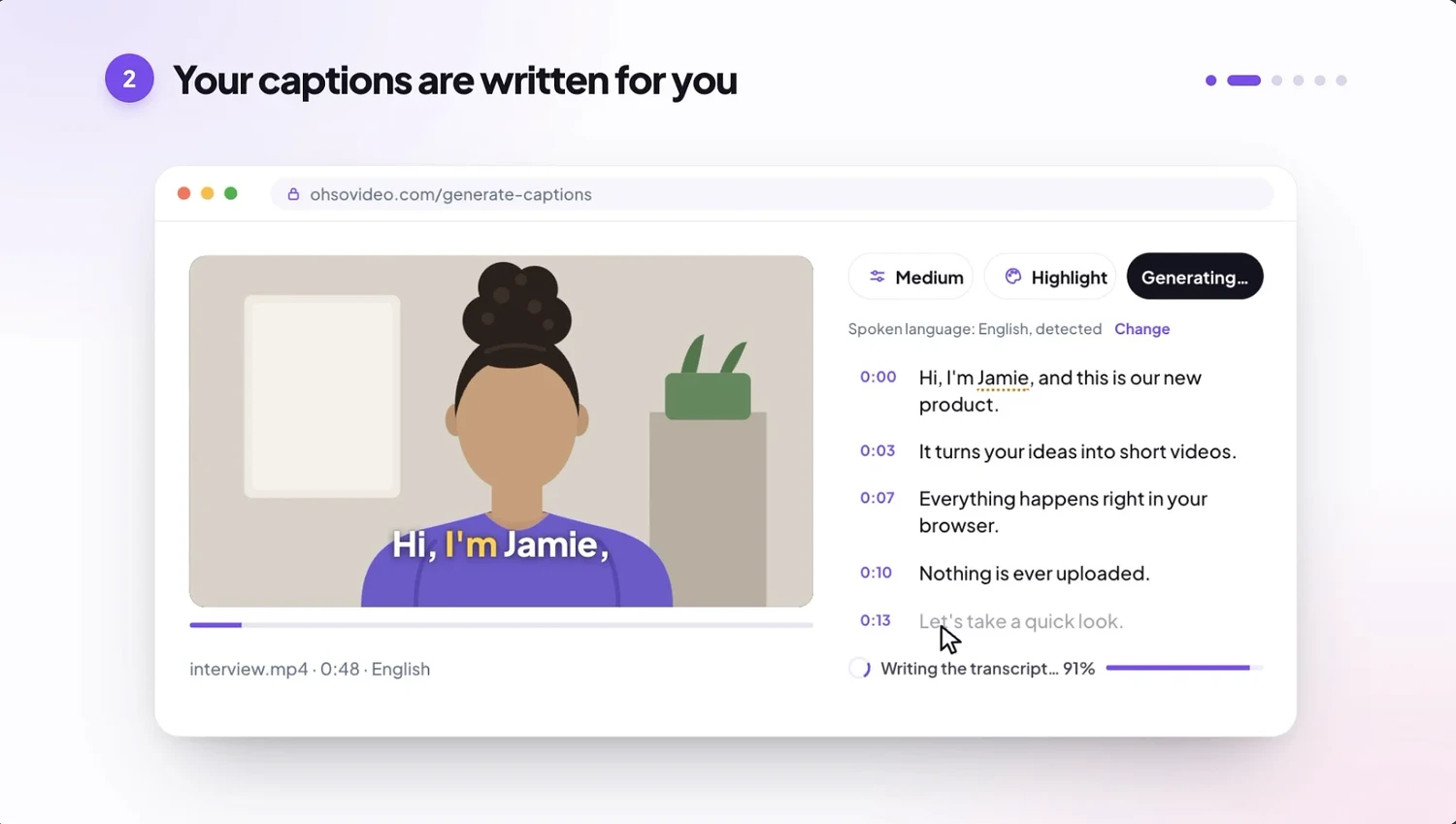
With Oh So Video, you can compress video to make a file smaller or tailor it for email, Discord, WhatsApp, or social platforms. Trim video to cut the start and end at the exact frame while keeping the original quality. Crop to 9:16, 4:5, 1:1, or 16:9 for TikTok, Instagram, and YouTube, or any shape you need. The captions generator creates subtitles in 90+ languages, letting you burn them into the video or export an SRT file, while the transcript generator turns video or audio into editable text in 90+ languages, plain or timestamped. You can even record with a teleprompter, reading from a script that scrolls by the camera.
Convert MOV to MP4 to turn iPhone or camera footage into a file that plays everywhere. Extract sound with video to MP3 at your chosen quality, or convert video to GIF sized for Slack, Discord, or a GitHub README. Flip and rotate sideways videos upright or mirror them without losing quality, and remove audio from video while keeping the picture exactly as it is.
Batch tools make larger jobs manageable. Compress several videos at and save them together, crop a whole set to 9:16, 4:5, 1:1, or 16:9 in go, or fit video—or several together—into a single email. More tools like resize, merging, and speed are on the way.
Because Oh So Video runs entirely in your browser, nothing is sent anywhere: not the video, not a frame, not its sound. There is no account, no watermark, and no trial that runs out. Compress, Convert MOV to MP4, and batch pages handle videos of any size, while Trim and Remove audio support up to 2 GB each. Captions accepts any size but caps length at three hours per file.
Try Oh So Video for free and keep your videos on your device, where they belong.

AMA with Maker (0)