

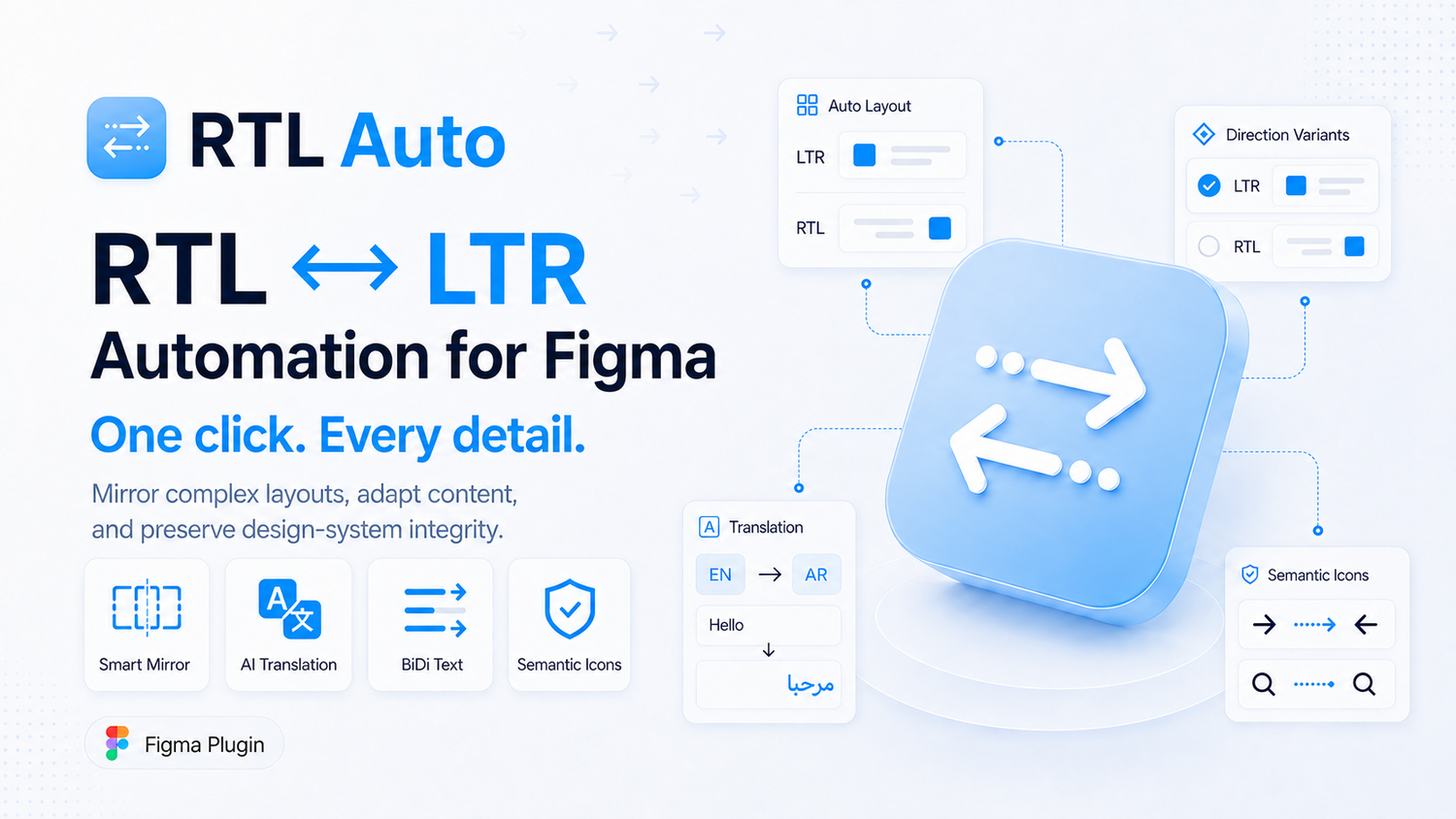
What is RTLAuto?
Core Features
- 10 free operations per day
- 2 component conversions per Figma account
- Bidirectional RTL and LTR conversion
- Mirror and Auto Layout adaptation
- Directional icon flipping
- Font changer and missing-font handling
- 194 translation targets
- Built-in translation without an API key
- AI translation with your own API key
- LTR and RTL component variants
- Component and main-component workflows
- Preserve original names
- Directional typography mapping
- Design-token and variable support
- Create missing directional variables
- Gradient shadow corner stroke and padding direction updates
Pricing Details
Detailed Description
RTLAuto is a Figma plugin for designers, localization teams, and design-system teams preparing interfaces for bidirectional markets. It converts selected frames and components between left-to-right and right-to-left layouts, reducing repetitive manual work while preserving the structure of the original design.
The plugin handles Auto Layout, alignment, directional icons, typography, fonts, variables, components, gradients, shadows, corner radii, strokes, padding, and 194 translation targets. Teams can keep compatible original fonts, apply a selected font, create directional typography mappings, and create missing directional variables when their design system needs them.
The Free plan includes 10 operations per day for mirroring, translation, and directional icons, plus two component conversions per Figma account. Built-in translation works without an API key, while AI-assisted translation supports the user's own Gemini or OpenAI key.
Pro and Business add unlimited operations, LTR and RTL variants, preserved names, main-component updates, custom direction properties and values, and advanced design-system workflows.
Built for: Global brands entering MENA, regional product teams, government digital services, design studios, small businesses, and independent Figma designers.
Install RTLAuto on Figma:
https://www.figma.com/community/plugin/1623814570395556605

AMA with Maker (0)