
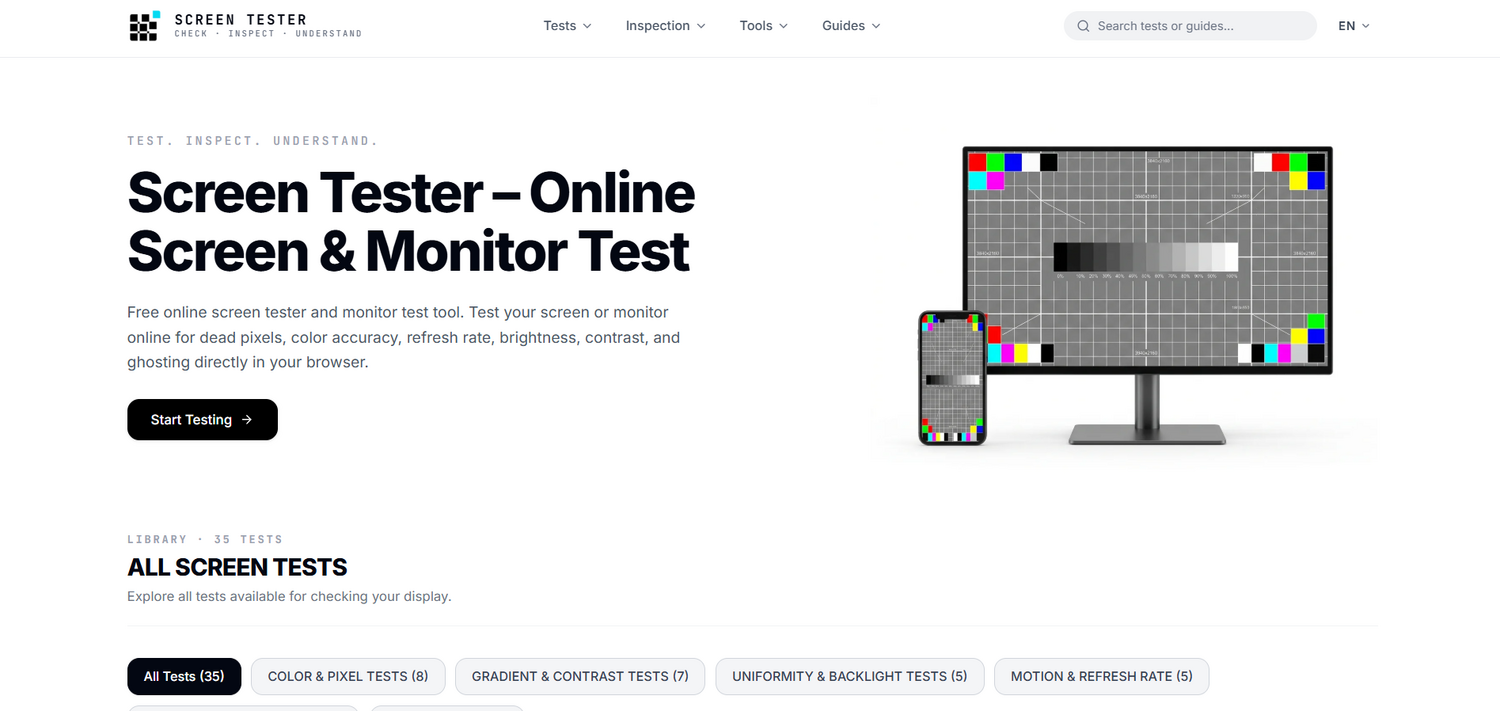
What is Screen Tester?
Core Features
- Dead Pixel Detection
- OLED Burn-In Inspection
- Color Gamut Coverage
Pricing Details
Ideal For
Use Screen Tester as an Alternative to
Detailed Description
Screen Tester is a free screen and monitor test tool designed to help you check, inspect, and understand your display directly in your browser. Whether you are verifying a new monitor, diagnosing an older panel, or simply curious about your screen's true capabilities, Screen Tester provides a comprehensive library of 43 tests to evaluate every critical aspect of display performance. The core philosophy is simple: test, inspect, understand. With Screen Tester, you can examine dead pixels, color accuracy, refresh rate, brightness, contrast, and ghosting without installing any software.
Color and Pixel Tests
✨ Fill the screen with solid colors to easily spot stuck or dead pixels on your monitor
🎯 Examine primary RGB color fields to identify isolated frozen or stuck subpixels
✨ Examine dark screens to locate hot or bright subpixels permanently stuck open
🎯 Use rapidly changing color patterns in a localized area to help exercise temporarily stuck liquid crystal sub-pixels, though Screen Tester does not guarantee recovery and cannot repair physically damaged or permanently dead pixels
✨ Inspect OLED and LCD displays for persistent shadow outlines, static HUD retention, and panel burn-in
🎯 Assess color rendering and saturation using primary and secondary color patterns
✨ Inspect wide color gamut support and verify rich saturation rendering without clipping
🎯 Verify color balance and skin tone rendering against industry standard sRGB and wide gamut reference swatches
Gradient, Contrast, and Uniformity Tests
✨ Assess color vibrancy and detect banding in high-saturation gradients
🎯 Evaluate contrast ratio, color separation, and gradient steps across 25 dynamic levels
✨ Tune your black levels and white point to ensure no detail is lost in the extreme ranges
🎯 Tune your monitor's black levels to ensure dark details aren't crushed
✨ Evaluate subtle dark-tone separation, black crush, and near-black gradation above true black
🎯 Tune your monitor's contrast to ensure bright details aren't clipped
✨ Visually estimate your monitor's gamma tracking with a target of 2.2 for sRGB
🎯 Check for smooth transitions in gradients to test your panel's true bit-depth capabilities
✨ Detect harsh tonal stepping, quantization lines, and color shifts across smooth linear gradients
🎯 Test monitor ability to render neutral grays without color tinting
✨ Identify Dirty Screen Effect (DSE), vignetting, and uneven backlight distribution
🎯 Detect IPS glow, clouding, and light leakage from the bezel in a dark room environment
✨ Test mini-LED local dimming zones for haloing and blooming artifacts around high-contrast bright objects
🎯 Fill your screen with solid colors for a full-screen panel cleanliness check
Screen Tester offers dedicated categories including Color & Pixel Tests, Gradient & Contrast Tests, Uniformity & Backlight Tests, Motion & Refresh Rate, Sharpness & Capabilities, and Device & Input. With 43 tests in total, Screen Tester remains a thorough and accessible solution for anyone who wants to check, inspect, and understand their screen.
Test, inspect, and understand your display with Screen Tester today.

AMA with Maker (0)