
What is speechtovideo?
Core Features
- Real-Time Lip Sync
- Voice Controlled Editing
- Customizable AI Avatars
Pricing Details
Ideal For
Use speechtovideo as an Alternative to
Detailed Description
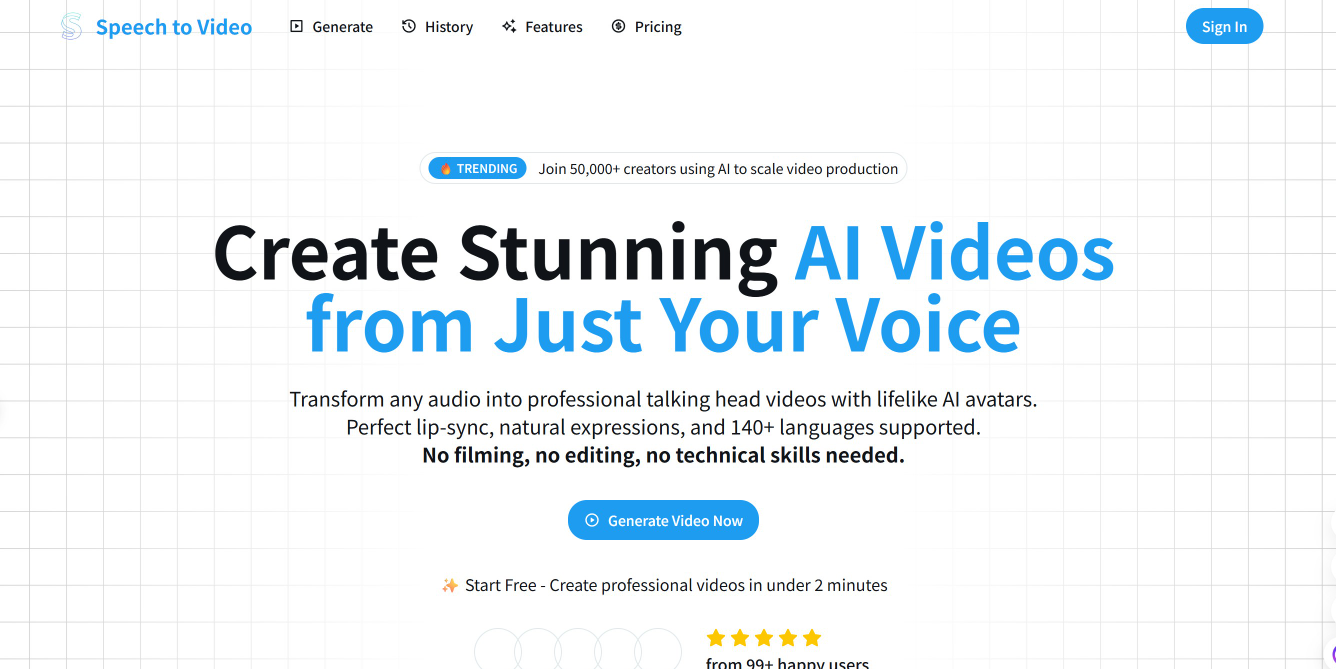
Speechtovideo is a cutting-edge platform designed to revolutionize the way you create video content. By harnessing the power of advanced artificial intelligence, it seamlessly transforms your spoken words into professional, engaging videos. Simply provide your audio—be it a podcast, a presentation, or a simple voice memo—and let the sophisticated algorithms generate a synchronized visual narrative. This innovative technology eliminates the traditional barriers of video production, making it accessible to creators, marketers, educators, and businesses of all sizes without the need for technical expertise, expensive equipment, or time-consuming editing.
How It Works
The process is elegantly simple and incredibly powerful. You start by uploading your audio file or recording your speech directly within the platform. The AI then meticulously analyzes the content, tone, and pacing of your speech. Next, it intelligently selects from a vast library of high-quality stock footage, animations, and imagery that perfectly match your narrative. The final result is a polished, cohesive video where the visuals dynamically align with the spoken word, complete with smooth transitions, on-screen text, and a compelling soundtrack.
Why Choose Speechtovideo
✨ Efficiency and Speed: Drastically reduce video production time from days to mere minutes, allowing you to focus on your core message and content creation.
🎯 Enhanced Engagement: Convert audio-only content into a multi-sensory experience that captures attention, improves information retention, and boosts viewer engagement on social media and other platforms.
💡 Accessibility and Ease of Use: An intuitive, user-friendly interface ensures that anyone can create stunning videos, regardless of their design or editing skills.
🚀 Cost-Effectiveness: Achieve a high return on investment by producing quality video content in-house, eliminating the need for large production budgets or specialized freelancers.
Unlock the potential of your audio content and start creating captivating videos effortlessly. Visit our website to experience the future of content creation today.

AMA with Maker (2)
My content is pretty technical for my online courses. Can I customize the type of visuals and text overlays it picks, or is it more of a one-size-fits-all system?
My team needs to churn out a lot of social media content and we're stretched thin. How does the 'synchronized visuals' part work? Do I have any control over the stock footage or images it picks, or is it totally automated?