
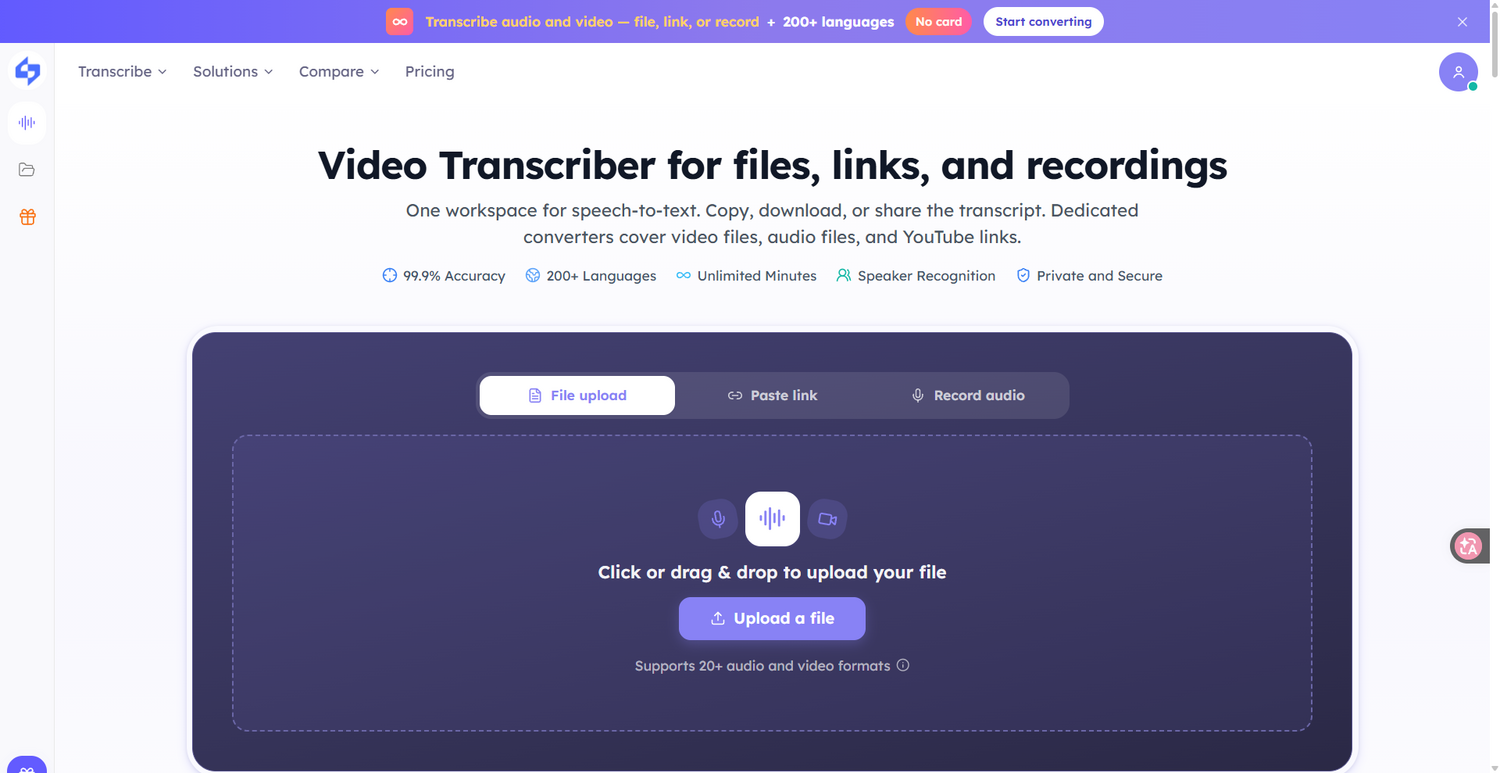
What is video transcriber?
Core Features
- 200+ Language Transcription
- Speaker Label Separation
- SRT & VTT Export
Pricing Details
Ideal For
Detailed Description
Turn spoken video or audio into a searchable, exportable transcript with this video transcriber. Video to text on this video transcriber starts right in the browser: add a file or a public link, transcribe speech, then copy or export. Upload an MP4, MOV, WebM, or MKV, paste a public link, or record a short clip — then copy, download, or keep working in the workspace. Audio files such as MP3, WAV, and M4A work here too, with support for 20+ audio and video formats. This is video to text from speech you already have — not a live captioning desk. Private or login-walled media may not fetch.
Transcribe free in 200+ languages
✨ Transcribe audio and video — file, link, or record
✨ Choose auto language detect or a source language
✨ Optionally separate speakers so dialogue is easier to follow
✨ Paste a public YouTube, TikTok, Instagram, Facebook, X, Apple Podcasts, or Bilibili link
✨ Drop an MP4, MOV, WebM, or MKV, or upload MP3, WAV, and M4A files
This video transcriber extracts speech with AI, turning video to transcript from a file or public link. Video to script here means the spoken words become a transcript you can edit — not a screenplay generator. Video to transcript keeps the full text next to notes, chapters, and Ask AI. Copy the transcript, or export TXT, DOCX, SRT, VTT, or CSV. Generate notes, chapters, Ask AI answers, or a mind map in the same workspace. PDF export and translation are not available. After video to text finishes, generate notes and key points from the same file, and use chapters and Ask AI to keep working. No card required.
Start converting and start transcribing today.

AMA with Maker (0)