
What is LightScroll?
Core Features
- Daily limits, shorter sessions and scheduled boundaries
- Waits, breathing exercises or minigames before access
- Partner codes and deliberate choices after reaching a limit
Pricing Details
Ideal For
Detailed Description
LightScroll helps you spend less time on distracting apps and websites and follow through on the boundaries you set. A quick check can turn into a long scroll before you notice. LightScroll gives you a way to decide what deserves your attention ahead of time, then adds practical steps between an impulse and the next feed.
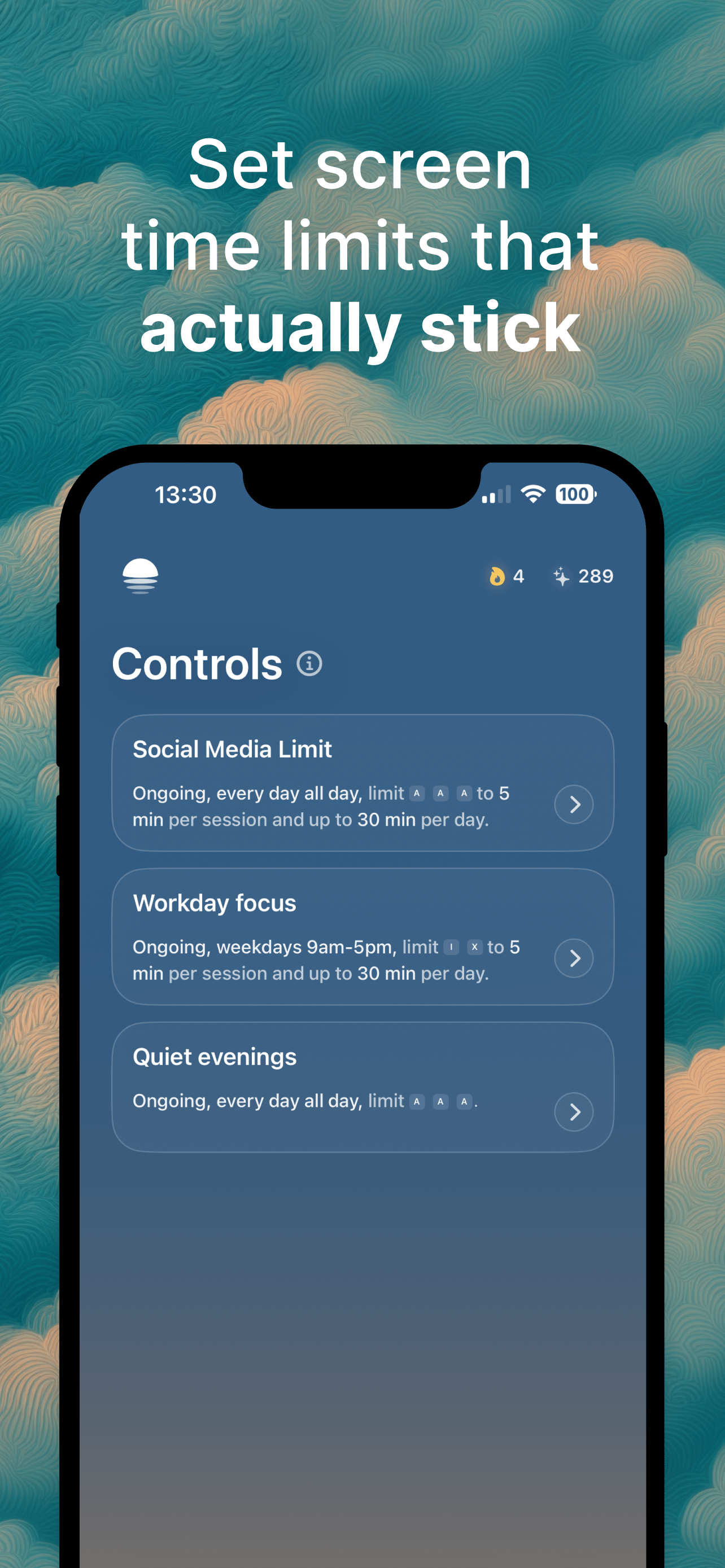
Start by creating a Control for the distractions you want to manage. Choose when it applies, how much time you can use each day and how long an individual session can last. You can build an routine, protect a part of your day or use a timed goal. Whether you want social media in smaller doses or fewer interruptions while working and studying, the rules are yours to choose. Access is granted in bounded sessions. When a session ends, the selected apps and websites are restricted again according to your Control.
Before an allowed session begins, Friction gives you a moment to reconsider. It can be a short wait, a breathing exercise, a quick minigame, a fact or a quote. You can also randomize it. The pause interrupts automatic opening without treating every visit as a failure: complete the Friction and use the time you planned to allow.
Reaching a limit is a different decision. You choose the Override in advance: wait before an over-limit session, ask a trusted accountability partner for their six-digit code, or select No Way Out to remove the Override option. Using an Override ends your commitment for that Control for the day. There is room to change course when something matters, but continuing has a consequence rather than being a reflexive tap.

AMA with Maker (0)